> ## Documentation Index
> Fetch the complete documentation index at: https://docs.reown.com/llms.txt
> Use this file to discover all available pages before exploring further.
# Theming
The theme for the AppKit integration in your dApp can be fully customized.
## ThemeMode
By default `themeMode` option will be set to user system settings 'light' or 'dark'. But you can override it like this:
```ts theme={null}
createAppKit({
//...
themeMode: "light",
});
```
## themeVariables
By default `themeVariables` are undefined. You can set them like this:
```ts theme={null}
createAppKit({
//...
themeVariables: {
"--apkt-color-mix": "#00BB7F",
"--apkt-color-mix-strength": 40,
},
});
```
The following list shows the theme variables you can override:
| Variable | Description | Type |
| ----------------------------- | ------------------------------------------------------------- | -------- |
| `--apkt-font-family` | Base font family | `string` |
| `--apkt-accent` | Color used for buttons, icons, labels, etc. | `string` |
| `--apkt-color-mix` | The color that blends in with the default colors | `string` |
| `--apkt-color-mix-strength` | The percentage on how much "--apkt-color-mix" should blend in | `number` |
| `--apkt-font-size-master` | The base pixel size for fonts. | `string` |
| `--apkt-border-radius-master` | The base border radius in pixels. | `string` |
| `--apkt-z-index` | The z-index of the modal. | `number` |
## Wallet Buttons
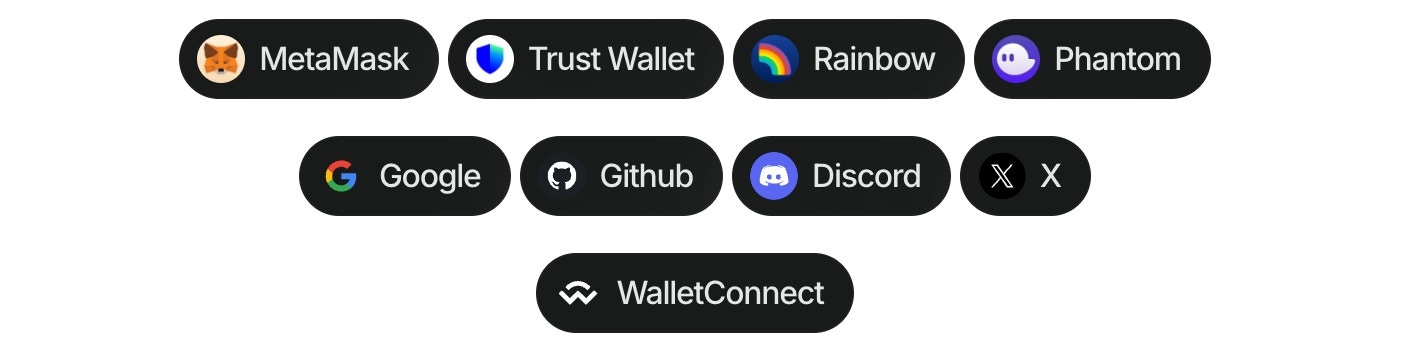
Wallet buttons are components that allow users to connect their wallets to your dApp. They provide a simple and easy way to connect to more than 40 of the top wallets globally, WalletConnect QR, and all the social logins.
You can also call them directly using hooks. Please check the [components](/appkit/react/core/components#walletButtons) and [hooks](/appkit/react/core/hooks#useappkitwallet) documentation for more information.