> ## Documentation Index
> Fetch the complete documentation index at: https://docs.reown.com/llms.txt
> Use this file to discover all available pages before exploring further.
# Wallet Buttons
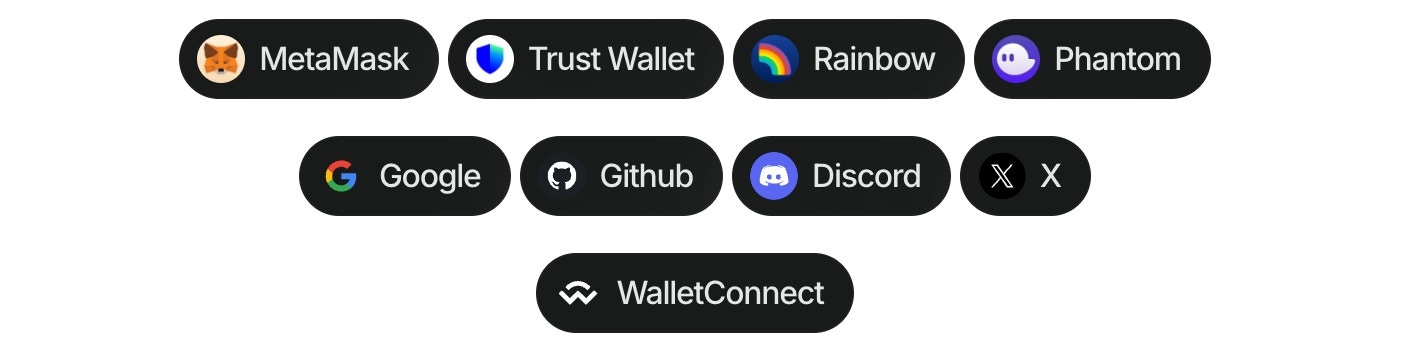
Using the wallet button composable ([Demo in our Lab](https://appkit-lab.reown.com/appkit/?name=wagmi)), you can directly connect to more than 40 of the top wallets globally, WalletConnect QR, and all the social logins.
Follow these steps to use the composable:
1. Install the package:
```bash npm theme={null}
npm install @reown/appkit-wallet-button
```
```bash Yarn theme={null}
yarn add @reown/appkit-wallet-button
```
```bash Bun theme={null}
bun a @reown/appkit-wallet-button
```
```bash pnpm theme={null}
pnpm add @reown/appkit-wallet-button
```
2. Import and use in your Vue component:
```javascript theme={null}
```
Make sure to call wallet button methods after `createAppKit` has been initialized.
#### Options for wallet property
| Type | Options |
| ------------- | ----------------------------------------------------------------------------------------------------------------------------------------------------------------------------------------------------------------------------------------------------------------------------------------------------------------------------------------------------------------------------------------------------------------------------------------------------------------------------------------------------------------------------- |
| QR Code | `walletConnect` |
| Wallets | `metamask`, `trust`, `coinbase`, `rainbow`, `jupiter`, `solflare`, `coin98`, `magic-eden`, `backpack`, `frontier`, `xverse`, `okx`, `bitget`, `leather`, `binance`, `uniswap`, `safepal`, `bybit`, `phantom`, `ledger`, `timeless-x`, `safe`, `zerion`, `oneinch`, `crypto-com`, `imtoken`, `kraken`, `ronin`, `robinhood`, `exodus`, `argent`, `tokenpocket`, `haha`, `ambire-wallet`, `bitpay`, `blade-wallet`, `brave`, `coinstats`, `kresus-superapp`, `plena-app`, `status`, `tomo-wallet`, `valora`, and `zengo-wallet` |
| Social logins | `google`, `github`, `apple`, `facebook`, `x`, `discord`, and `farcaster` |
#### Options for namespace property
| Value | Description |
| -------- | ---------------------------------- |
| `eip155` | Ethereum and EVM-compatible chains |
| `solana` | Solana blockchain |
| `bip122` | Bitcoin blockchain |
#### Enhanced Multichain Examples
The wallet button now supports enhanced multichain functionality with improved namespace targeting:
```javascript theme={null}
 Using the wallet button composable ([Demo in our Lab](https://appkit-lab.reown.com/appkit/?name=wagmi)), you can directly connect to more than 40 of the top wallets globally, WalletConnect QR, and all the social logins.
Follow these steps to use the composable:
1. Install the package:
Using the wallet button composable ([Demo in our Lab](https://appkit-lab.reown.com/appkit/?name=wagmi)), you can directly connect to more than 40 of the top wallets globally, WalletConnect QR, and all the social logins.
Follow these steps to use the composable:
1. Install the package: