
Open and close the modal
open function
Disconnect
WalletInfo
Metadata information from the connected walletSvelte Store Integration
You can use Svelte stores to manage AppKit state across your application:Wallet Buttons
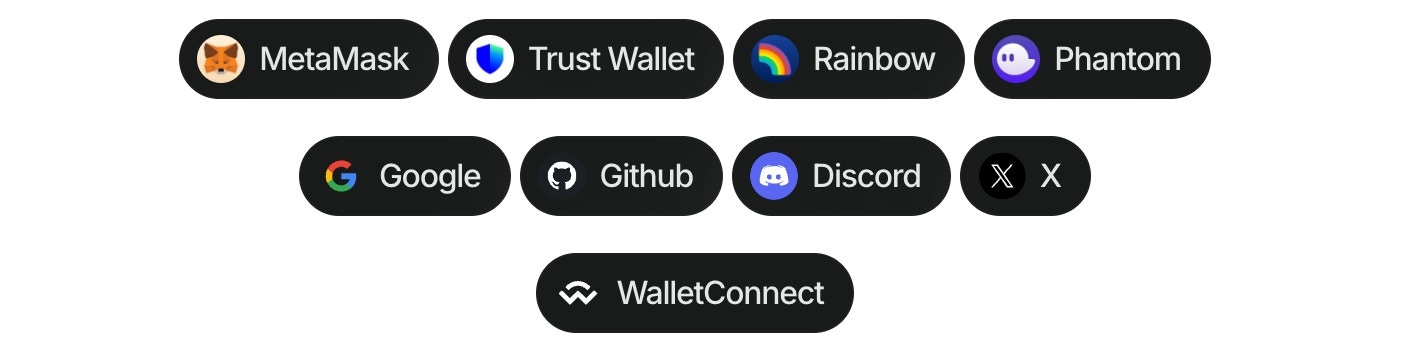
- Install the package:
- Import and use in your Svelte project:
Make sure to call wallet button methods after
createAppKit has been initialized.Multichain Support
You can specify a blockchain namespace to target specific chains:Options for wallet property
Options for namespace property
Ethereum Library
- Wagmi
- Ethers
You can use Wagmi actions to interact with wallets and smart contracts:Read more about Wagmi actions for smart contract interaction here.
Modal State
Get the current value of the modal’s state
You can also subscribe to the modal’s state changes.
ThemeMode
Set thethemeMode after creating the modal
themeMode value by calling the getThemeMode function
themeVariables
Set thethemeVariables after creating the modal
themeVariables value by calling the getThemeVariables function