
How to Report an Issue
Follow these steps to get in touch with our support team:Step 1 - Log in to the Reown Dashboard
Go to dashboard.reown.com and log in with your account.Step 2 - Open the Help Center
Once logged in, click the chat bubble in the bottom-right corner of the page, or choose Report a bug from the Help Center sidebar.
Step 3 - Choose an Option
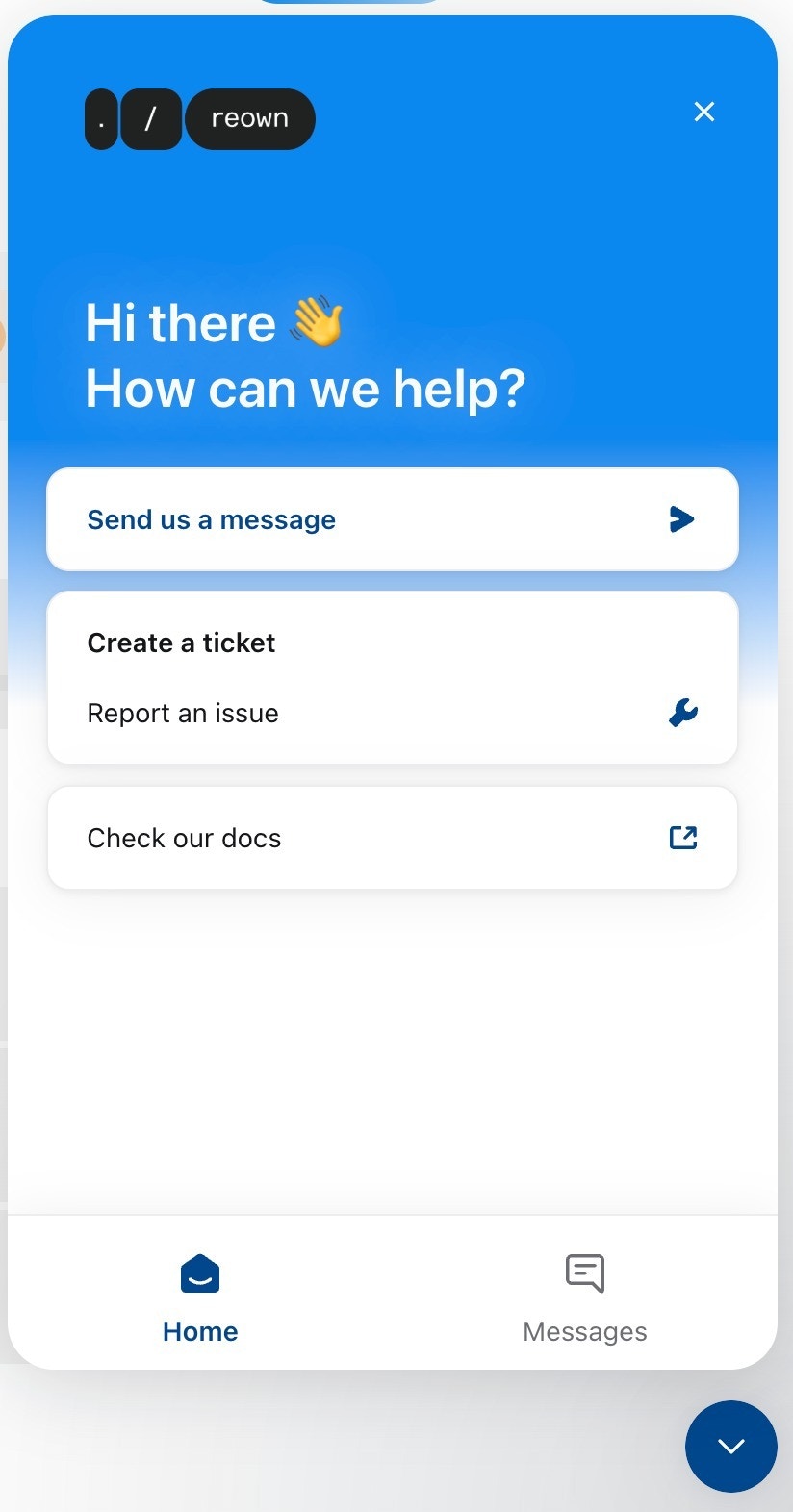
From the help desk modal, select the option that best fits your needs:- Send us a message - Reach out directly to our support team.
- Create a ticket / Report an issue - File a bug report or request assistance with a technical problem.
- Check our docs - Browse through our documentation for answers.
Support Response Times
Depending on your plan, you can expect different levels of support:Pro Plan
Response time & expert issue resolution: Up to 7 days.In-dashboard support with the ability to create support tickets.
Enterprise Plan
Guaranteed 24-hour response time and expert issue resolution.Prioritized support across multiple channels (email, Slack, Telegram, ticketing system).
Upgrade Your Plan
Want faster response times and dedicated support? You can upgrade your plan directly from the Reown Dashboard:- Log in to dashboard.reown.com
- Click the “Upgrade Now” button in the top right-hand corner
- Choose Pro or Enterprise depending on your needs