
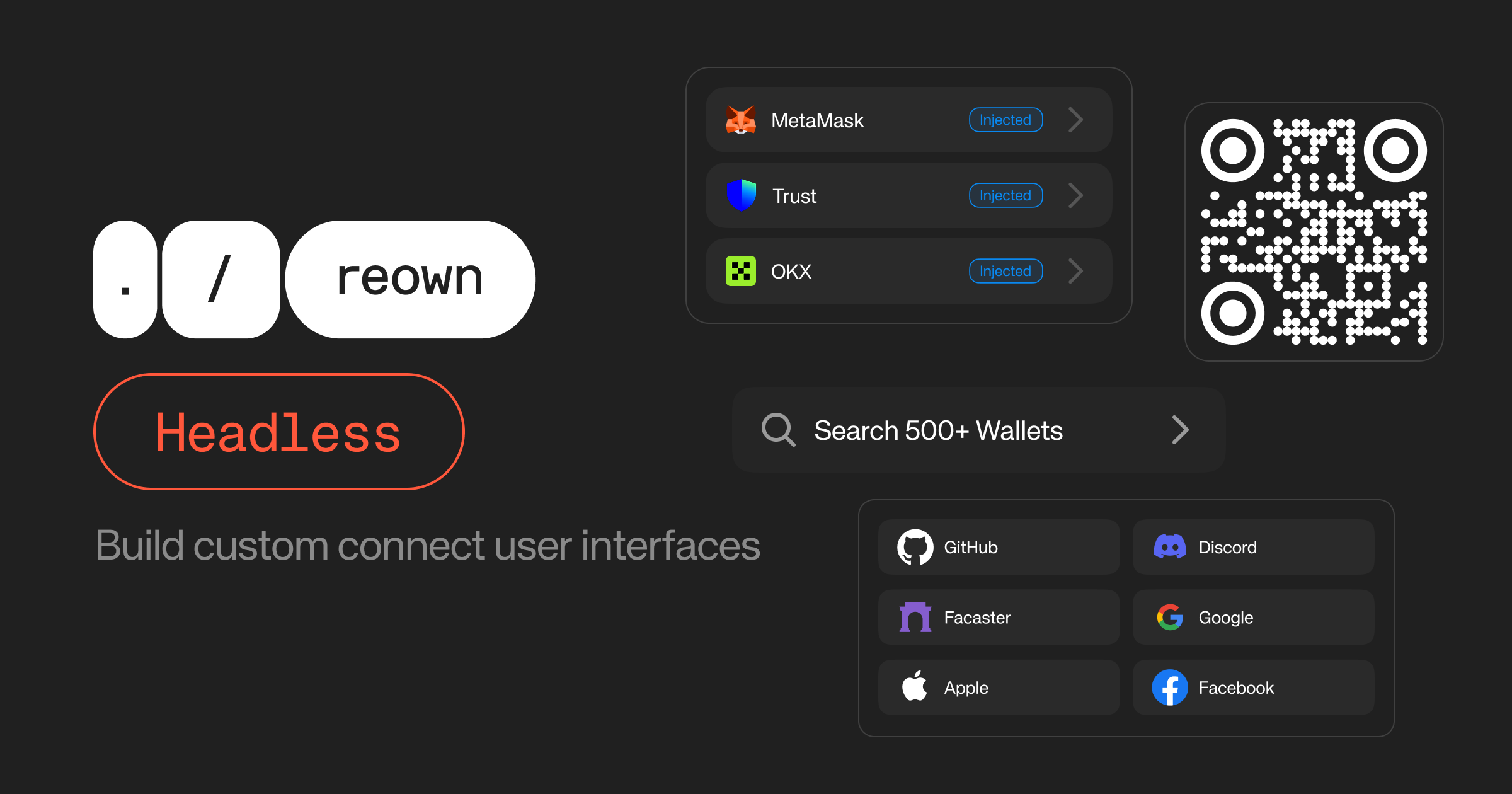
Headless must be enabled via the dashboard under the Customization section. See the dashboard configuration settings for details.
Installation
Headless requires AppKit to be configured with theheadless flag. See the installation docs before getting started and make sure you’re enabling headless as expected.
useAppKitWallets
The essential hook for accessing all types of wallets and methods to build your custom connection user interface.Returns
WalletItem[]
List of wallets for the initial connect view including WalletConnect wallets and injected wallets
together. If the user doesn’t have any injected wallets, it’ll fill the list with the most ranked
WalletConnect wallets.
WalletItem[]
List of WalletConnect wallets from Wallet Guide API. Useful to display all available WalletConnect
wallets in a separate Search Wallets view.
boolean
Boolean that indicates if WalletConnect wallets are being fetched.
boolean
Boolean that indicates if a WalletConnect URI is being fetched.
boolean
Boolean that indicates if the AppKit is initialized. It’s useful to render a fallback UI when the
AppKit initializes and detects all injected wallets.
string | undefined
The current WalletConnect URI for QR code display. This is set when connecting to a WalletConnect
wallet. Reset with resetWcUri().
boolean
Boolean that indicates if there was an error fetching the WalletConnect URI.
WalletItem | undefined
The wallet currently being connected to. This is set when a connection is initiated and cleared
when it completes or fails. For WalletConnect wallets, resetWcUri() should be called to clear the
state.
number
The current page number of WalletConnect wallets.
number
The total number of available WalletConnect wallets based on the AppKit configurations and given
parameters.
(options?: FetchWalletsOptions) => Promise<void>
Function to fetch WalletConnect wallets from the explorer API. Allows you to list, search, and
paginate through the wallets.
(wallet: WalletItem, namespace?: ChainNamespace) => Promise<void>
Function to connect to a wallet. For WalletConnect wallets: initiates WC connection and returns
the URI with the
wcUri state. For injected connectors: triggers the extension/wallet directly.() => void
Function to reset the WC URI. Useful to keep the
connectingWallet state in sync with the WC URI.
Can be called when the QR code is closed.Examples
Build a Connect UI
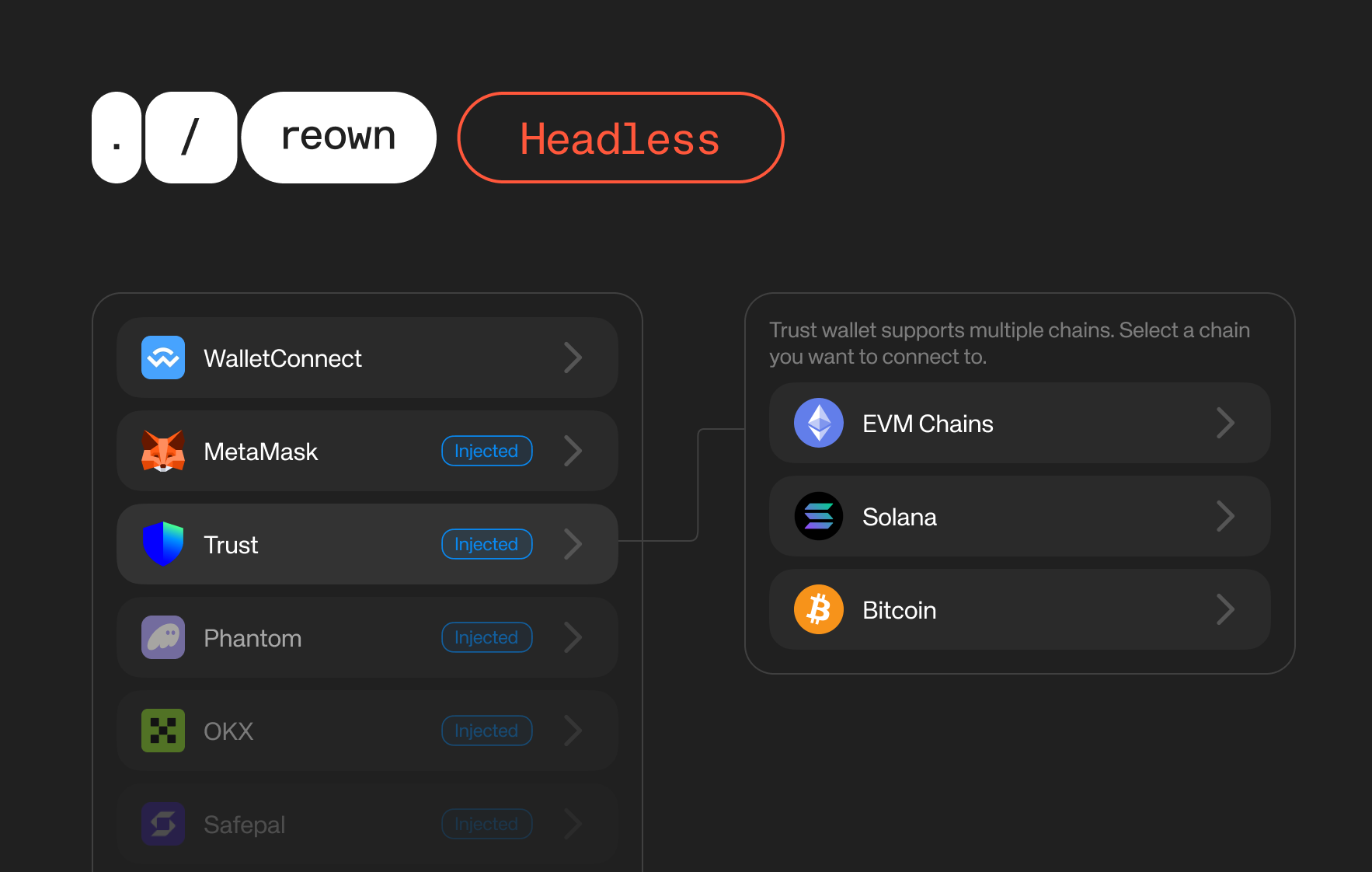
useAppKitWallets hook returns a list of injected and WalletConnect wallets that let you render directly in the connect page.
If you configure your AppKit as multi-chain, we suggest rendering a namespace selection component where users should select which namespace to connect when using browser extensions. This could be achieved with the connectors array of the WalletItem.
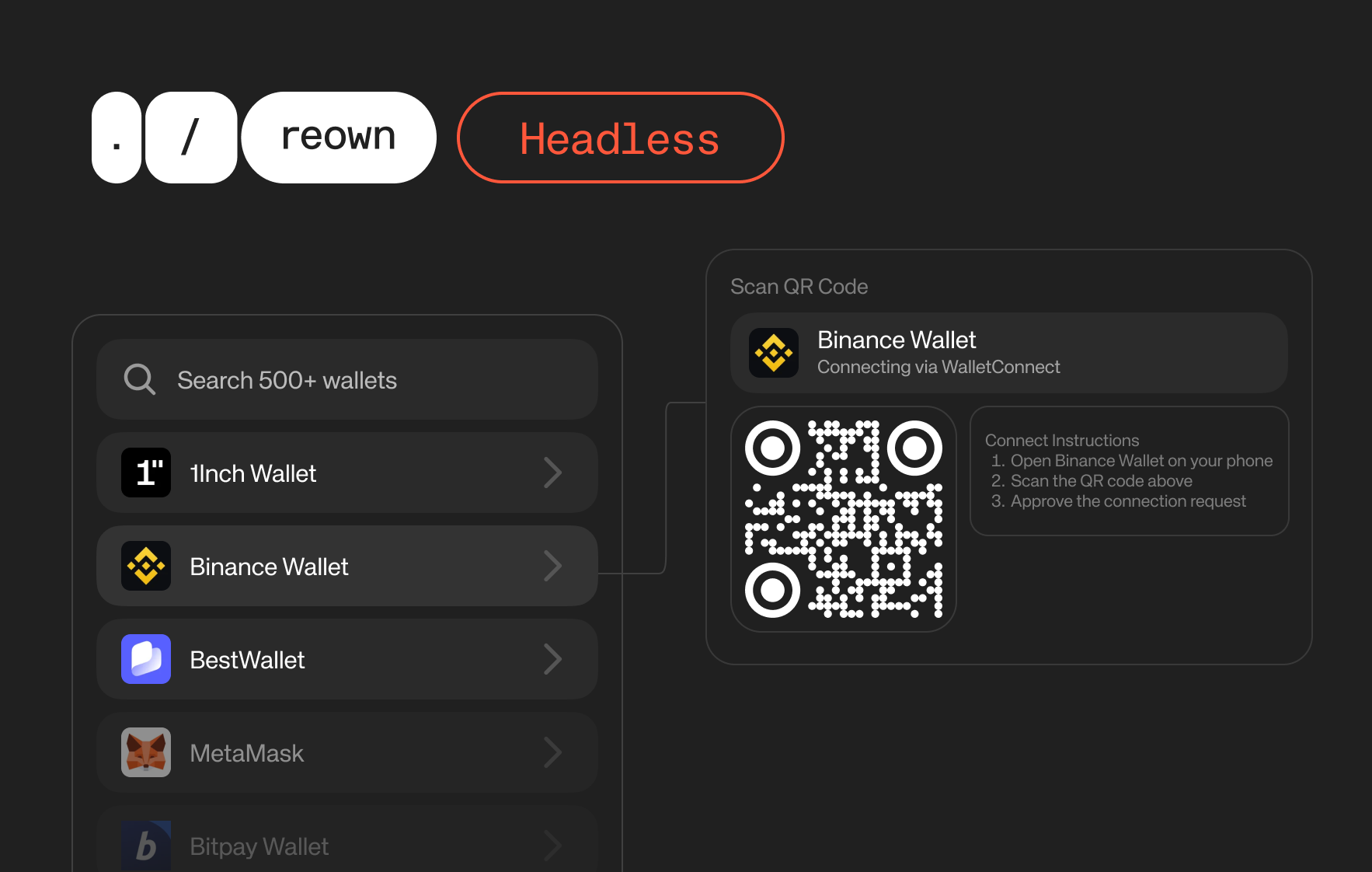
If a user selects a WalletConnect wallet, you can show the QR code to the users and let them scan it with their preferred wallets. To handle the QR flows, you can use the isFetchingWcUri, wcUri, and resetWcUri props from the useAppKitWallets hook.
Search and Connect to WalletConnect Wallets
Demo
Headless Playground
You can check our demo app to play around with an example Headless implementation
Source code
See the source code of the example Headless implementation.